Use the creator channel
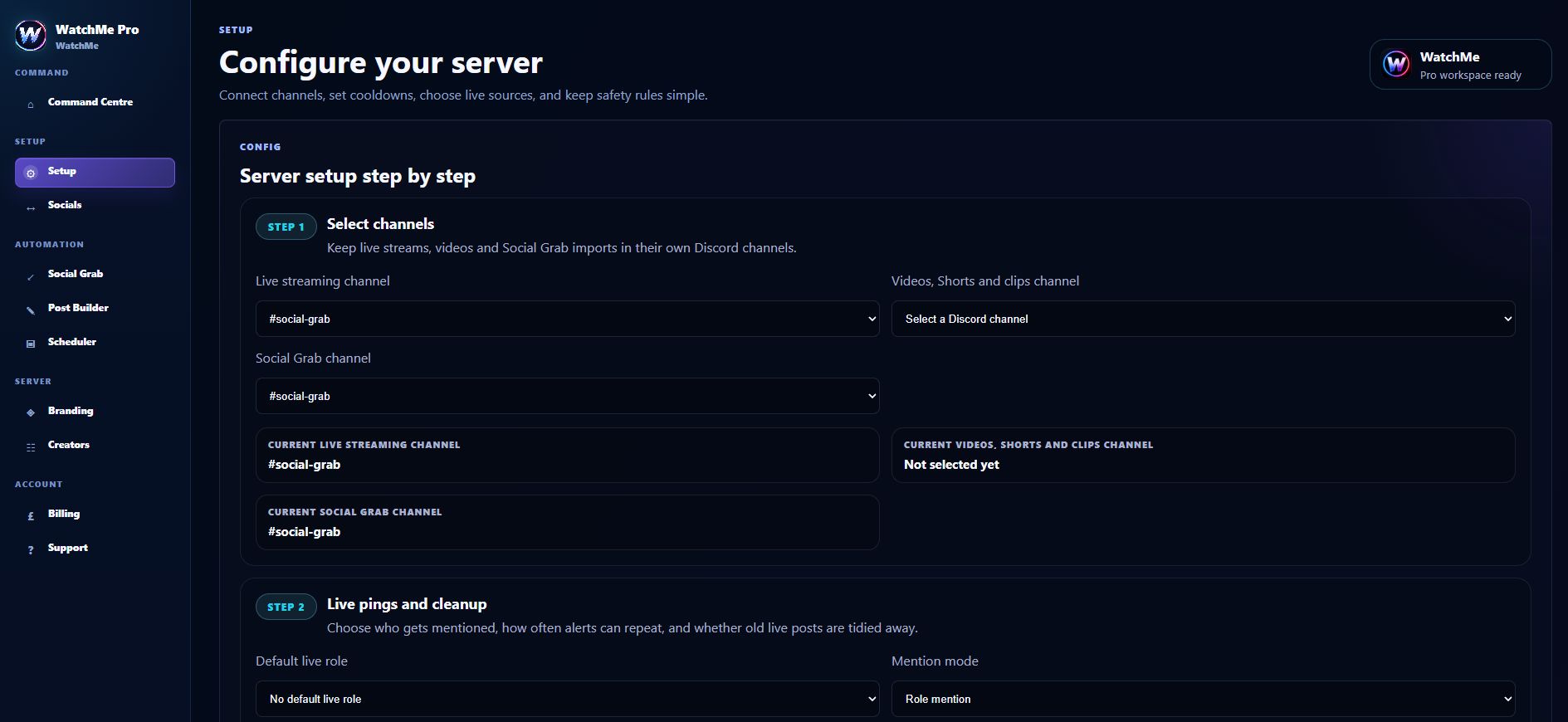
Add the YouTube channel as a creator source rather than pasting a single broadcast into the post editor. Choose the Discord destination and save the configuration. Pro owners should check that the source is enabled and approved.
Separate alerts from uploading
YouTube alerts follow creator activity. Uploading a new video through Pro is a different workflow requiring the appropriate connected Google account, YouTube channel, permissions and video file. You do not need to promise upload access to offer community alerts.
Plan for the end of a broadcast
WatchMe does not independently clean up YouTube alerts when a broadcast ends. On a combined Pro alert, Twitch or Kick going offline can trigger deletion when that server enables cleanup. Use retained announcements if you need the YouTube link to remain in chat.
Frequently asked questions
Are YouTube alerts included in Lite?
Yes, alongside Twitch, within the five-creator and one-channel Lite limits.
Does connecting Google add Google login to WatchMe?
No. WatchMe account sign-in uses Discord. Google authorization is used for connected YouTube functionality.