
Set up a Twitch creator
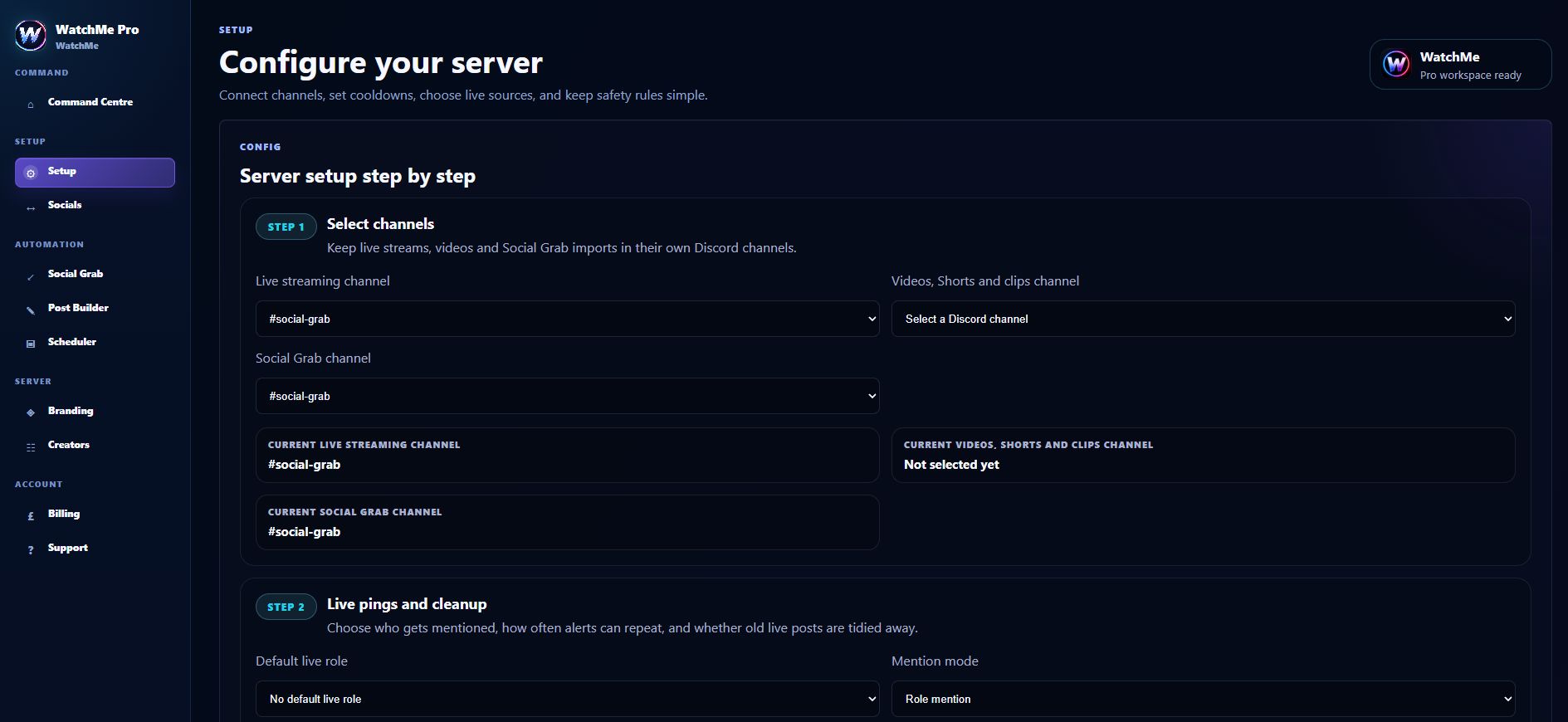
Install Lite for a small roster, or sign into Pro with Discord. Choose a server you can manage, set the alert channel, add the exact Twitch channel URL and save the creator configuration. In Pro, confirm that the creator source is approved and enabled.
Check Discord permissions
WatchMe needs access to the destination channel and permission to send messages and embed links. Channel-specific overrides can block posting even when the server role appears correct. Role hierarchy matters separately when you use welcome buttons that assign roles.
Test the complete stream cycle
Start a new stream and check the alert title, preview and destination. Stop the stream and verify the cleanup setting for that server. Pro can remove the alert when Twitch goes offline if cleanup is enabled; leave cleanup off if you want to retain announcements.
Frequently asked questions
Can I use Twitch alerts for free?
Yes. Lite supports up to five Twitch and YouTube creators in one alert channel per server.
Why did an alert not appear?
Check the channel permissions, saved creator URL, enabled source and cooldown settings. In Pro, inspect activity before retrying or changing configuration.