Choose the right starting point
WatchMe Lite is free and supports Twitch and YouTube with one alert channel and up to five creators per server. Pro adds Kick, creator approvals, branding and a dashboard for connected publishing workflows.
Build a channel people want to follow
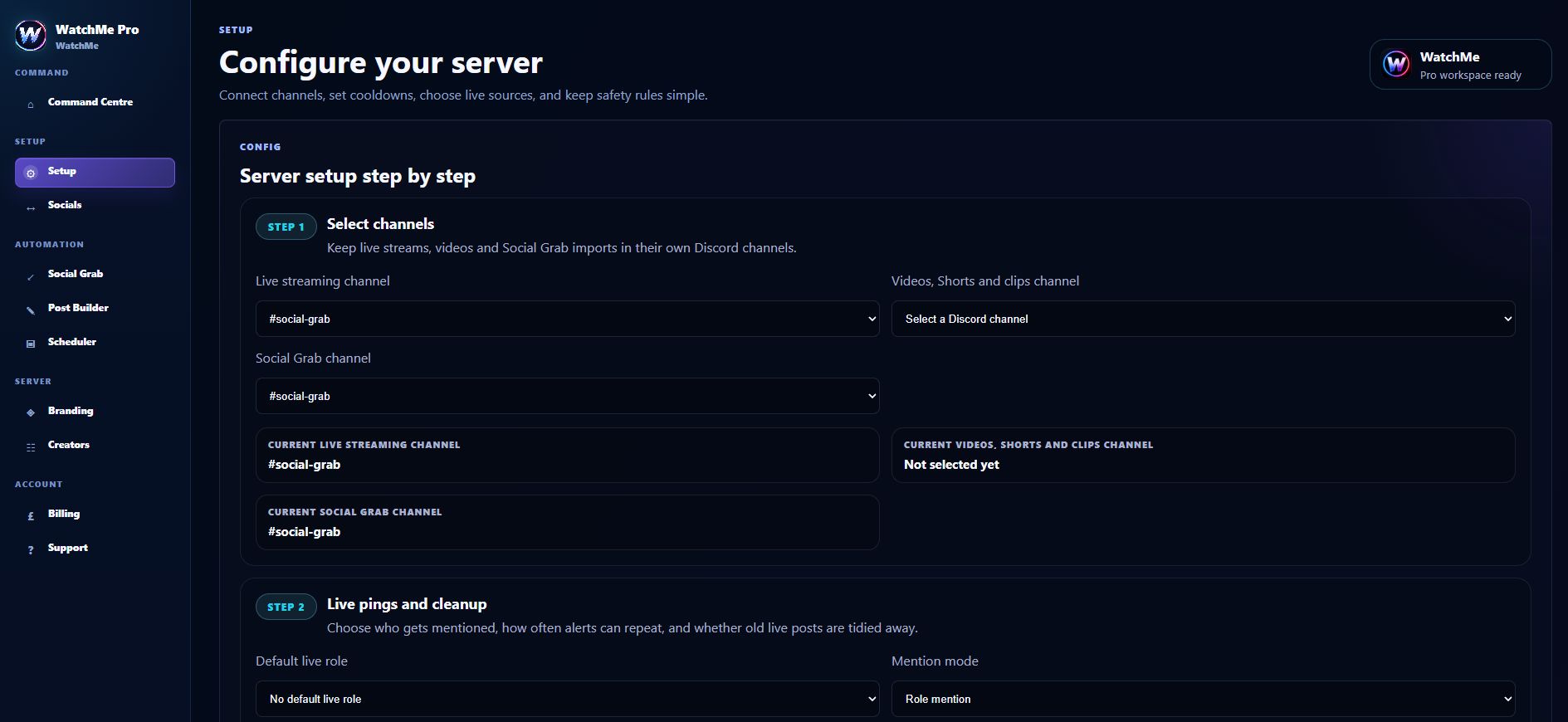
Choose an announcements channel, add the approved creator links and confirm the bot can view the channel, send messages and embed links. Review mention settings before enabling notifications. Test one creator going live before adding a whole roster.
Understand delivery and cleanup
Provider events and configured cooldowns affect delivery time. Pro can combine nearby live events for the same creator into one alert with platform buttons. Twitch and Kick can trigger configured offline cleanup; YouTube does not independently remove an ended-stream alert.
Frequently asked questions
Does Lite include Kick?
No. Lite covers Twitch and YouTube. Kick is part of Pro.
Are social posts the same as live alerts?
No. Live alerts announce creator activity in Discord. Pro also provides separate connected social publishing and scheduling controls.